Add Quality Tags Toggle
To enhance the quality of the default image generation, we have an automatic preamble toggle. This Quality Tags toggle is enabled by default, but you can find it on the bottom of the Prompt box.
If enabled, all prompts will have some tags added to it that aims to enhance the final generated image.
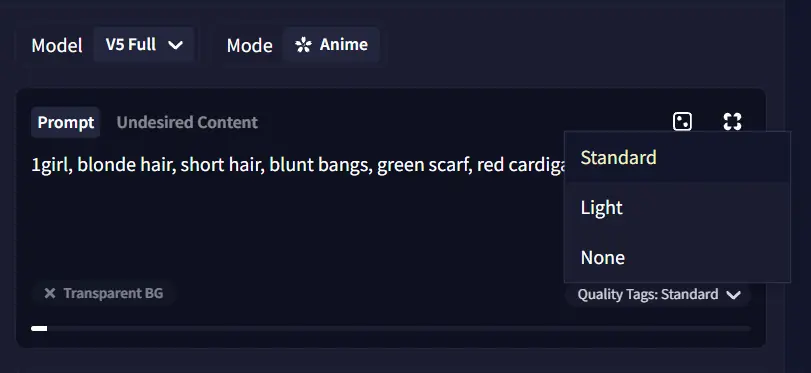
These tags will not show as written text in your prompt, but will still take up space for your maximum prompt size.

The added tags are:
Light quality tags: , very aesthetic, amazing quality, no text at the end of the prompts for the V5 Full model.
Standard quality tags: , very aesthetic, masterpiece, no text at the end of the prompts for the V5 Full model.
 V5 Full without quality tags.
|
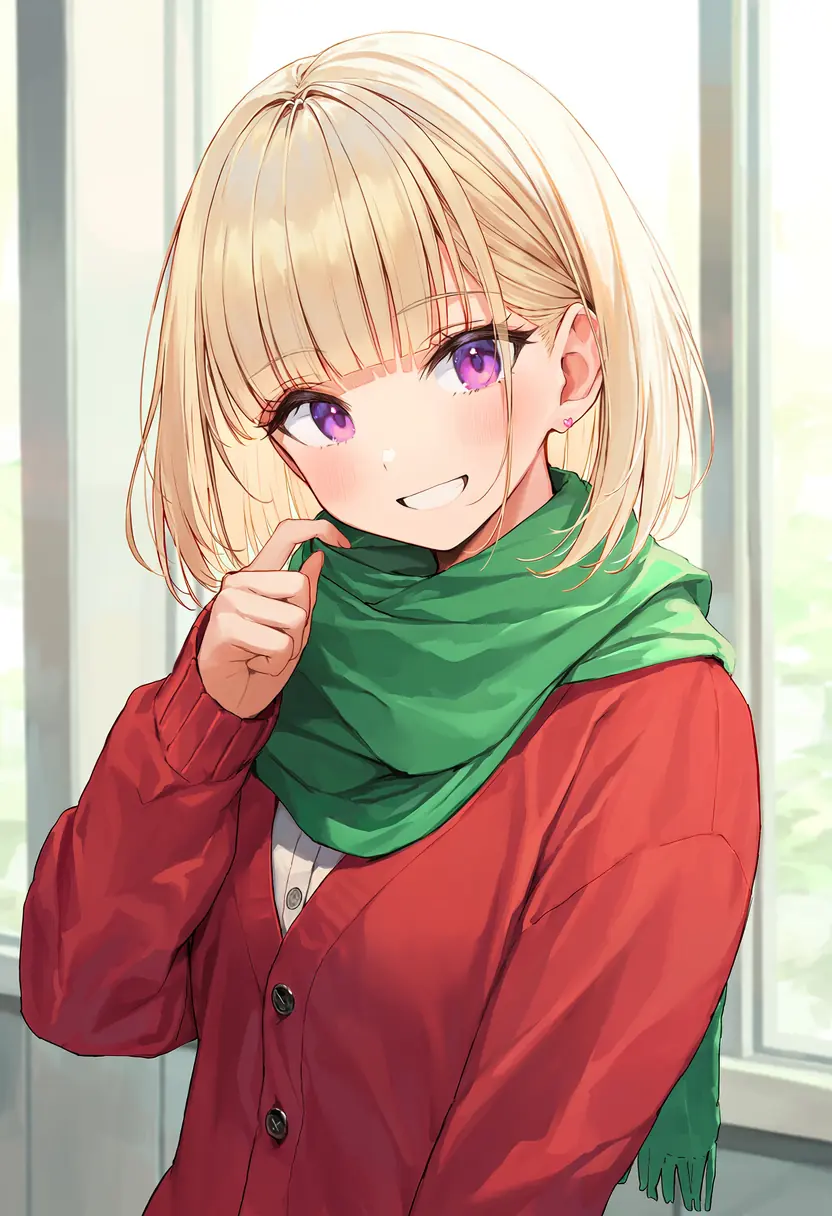 V5 Full with Light quality tags.
|
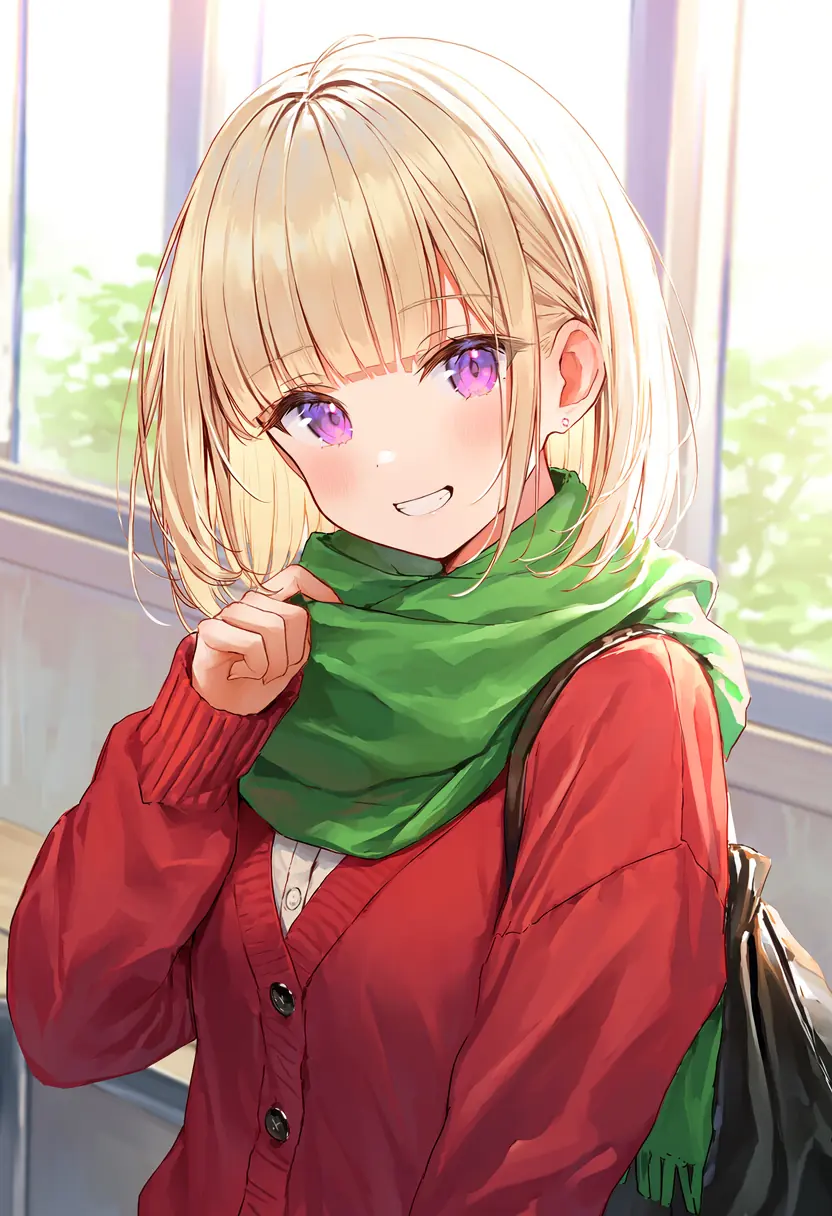 V5 Full with Standard quality tags.
|
Light quality tags: , very aesthetic, amazing quality, no text at the end of the prompts for the V5 Curated model.
Standard quality tags: , very aesthetic, masterpiece, no text at the end of the prompts for the V5 Curated model.
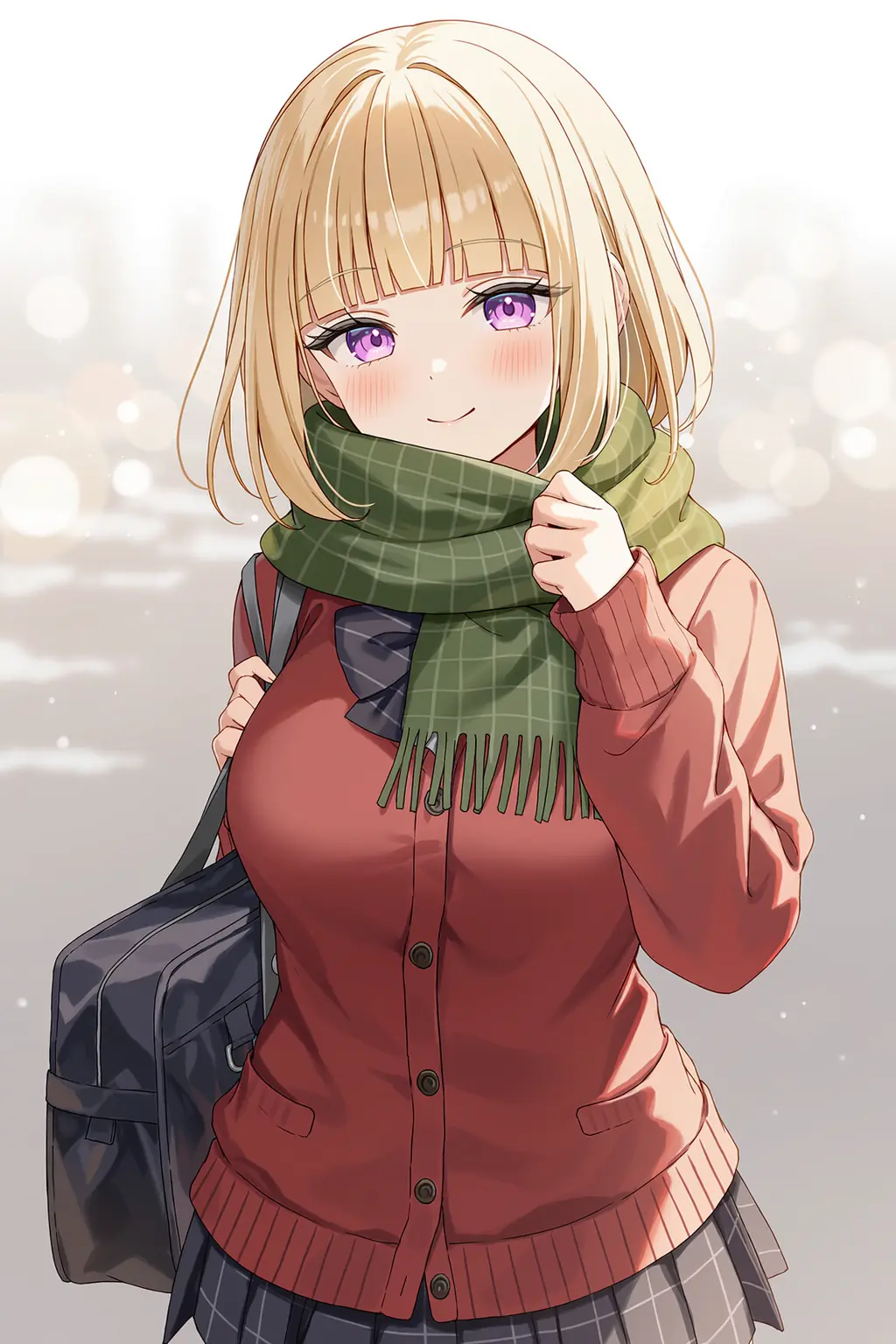 V5 Curated without quality tags.
|
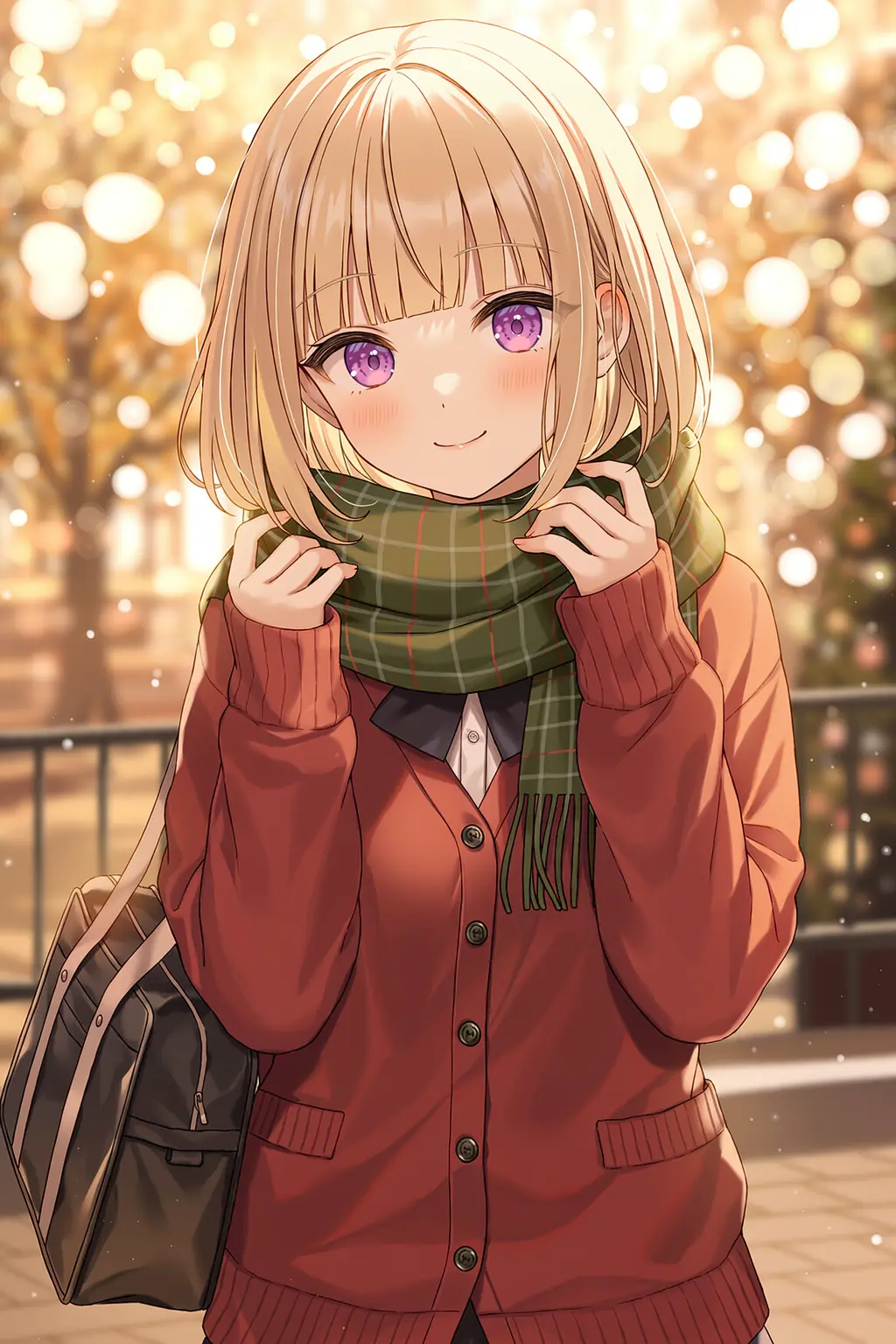 V5 Curated with Light quality tags.
|
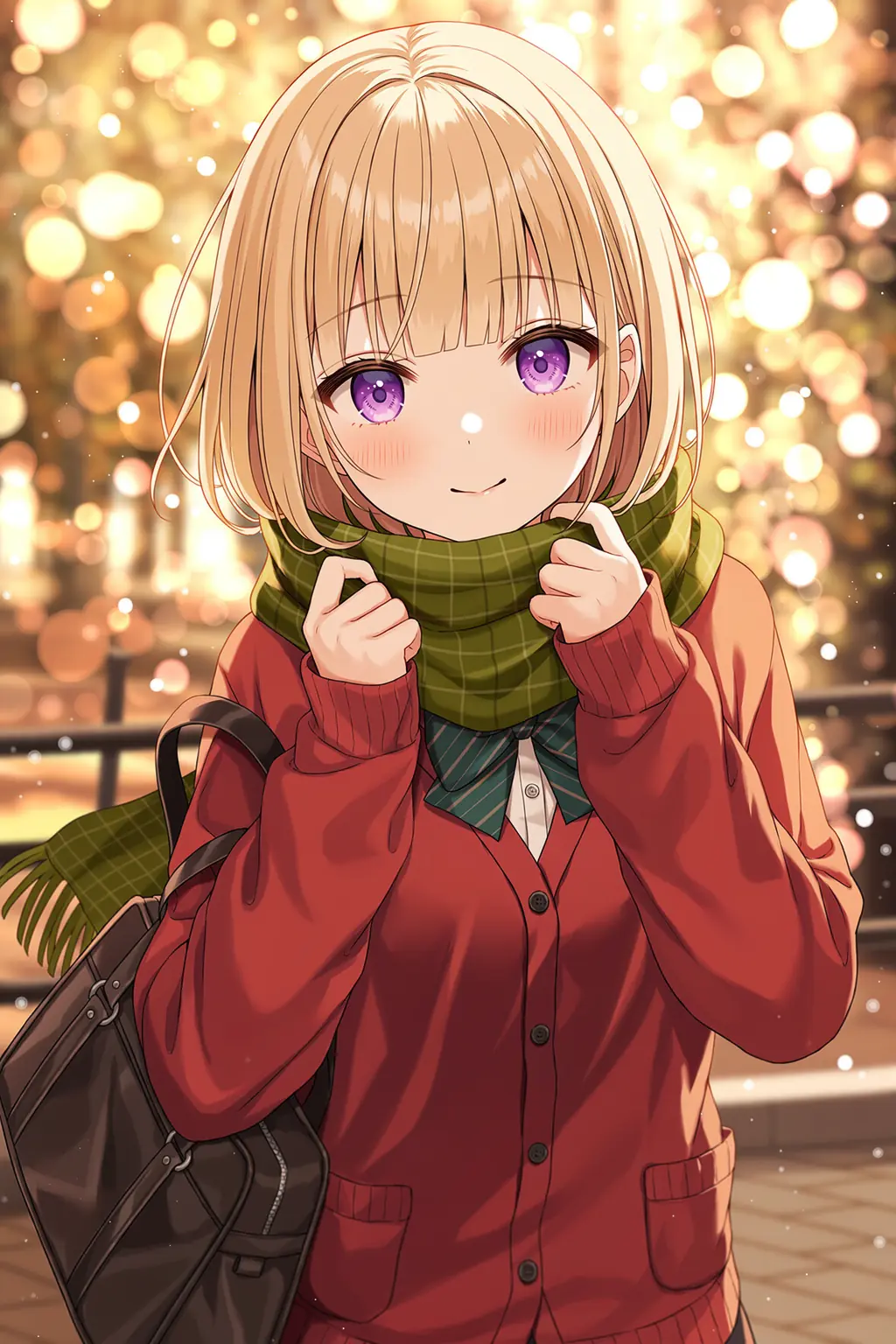 V5 Curated with Standard quality tags.
|
, location, very aesthetic, masterpiece, no text at the end of the prompts for the V4.5 Full model.
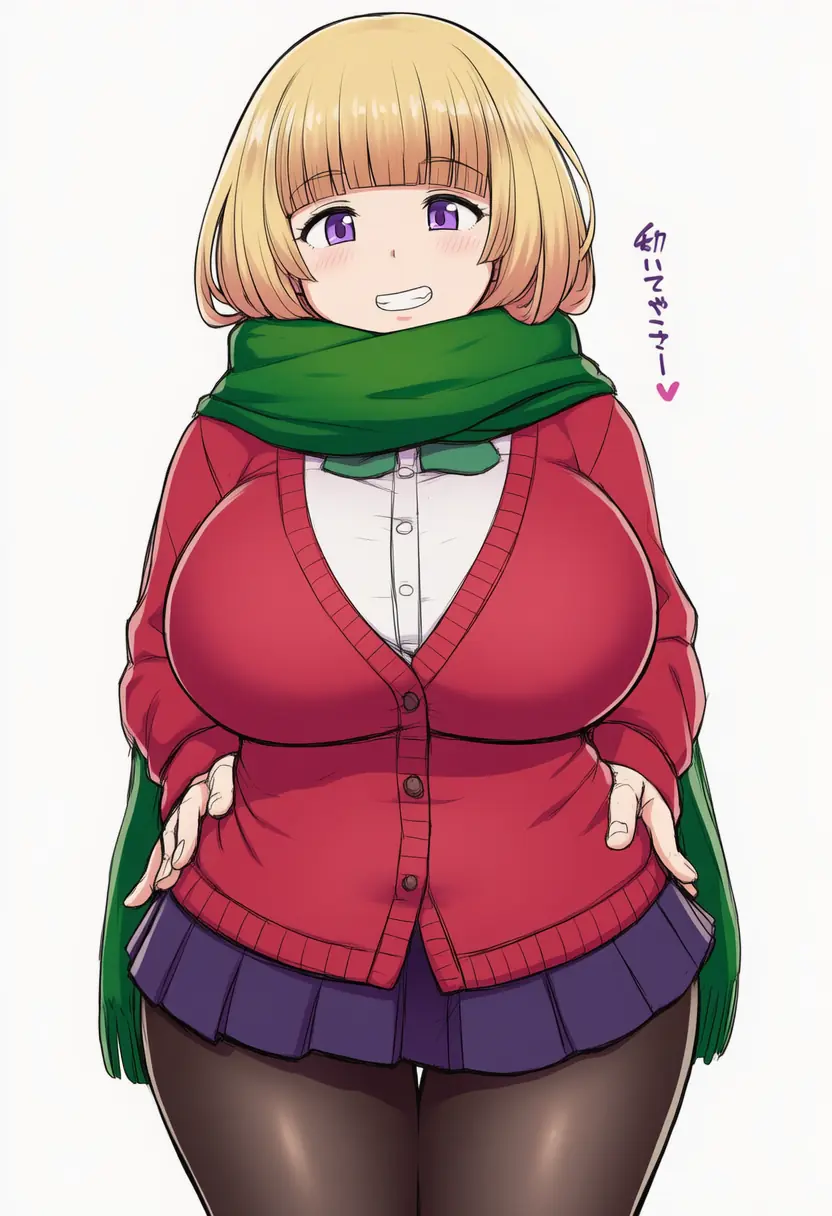 V4.5 Full without quality tags.
|
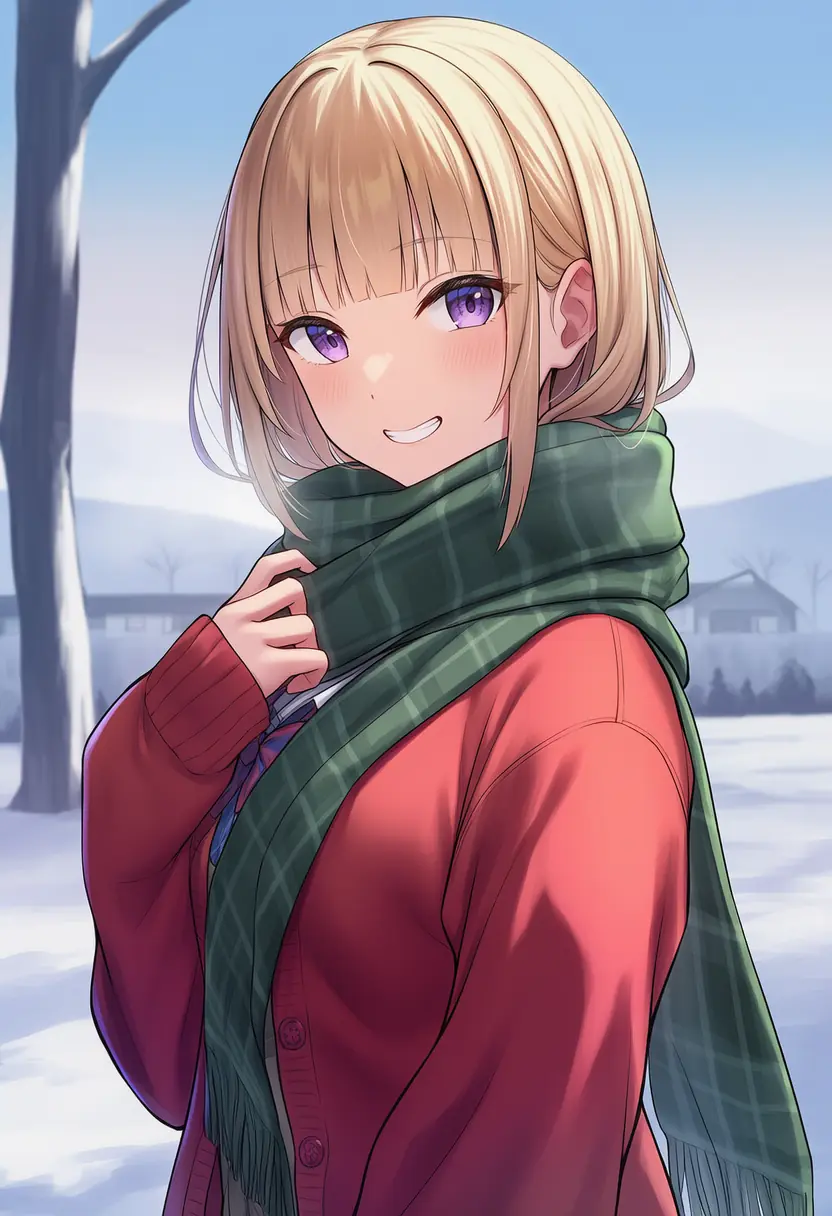 V4.5 Full with quality tags.
|
, location, masterpiece, no text, -0.8::feet::, rating:general at the end of the prompts for the V4.5 Curated model.
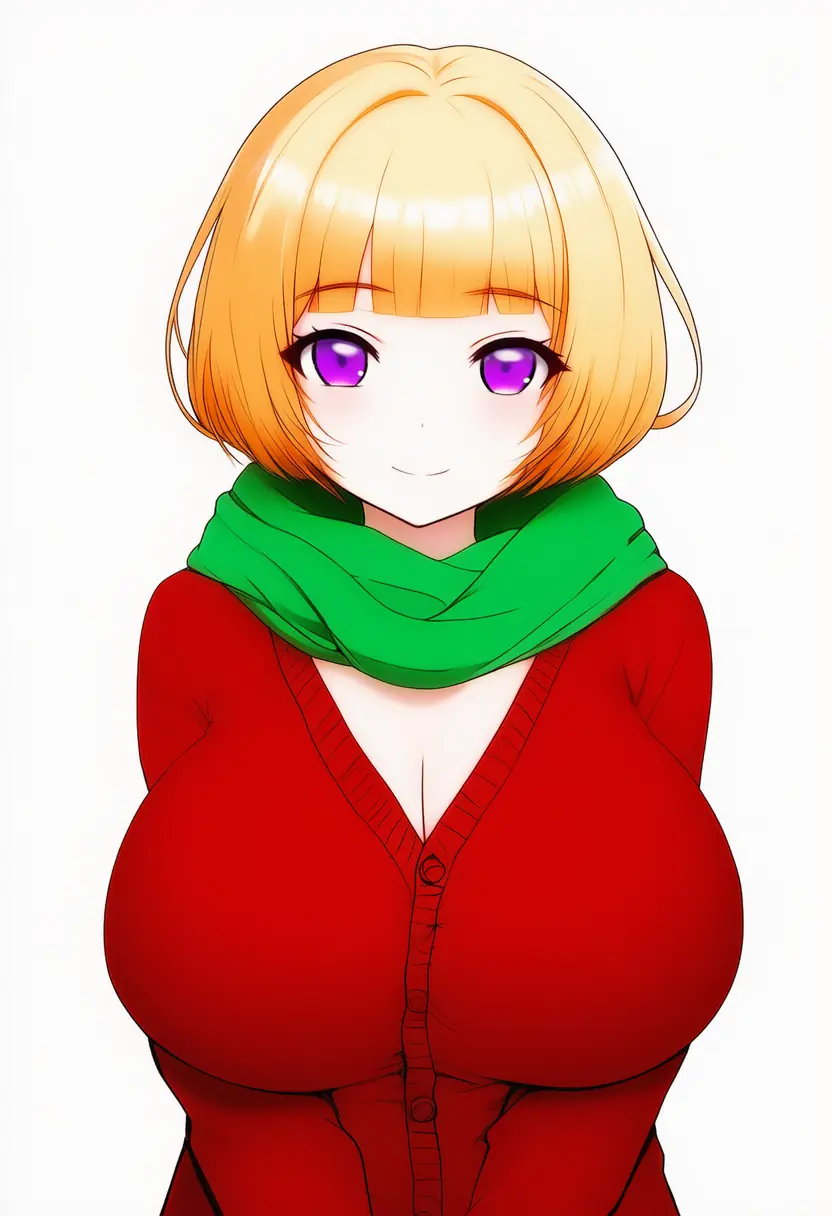 V4.5 Curated without quality tags.
|
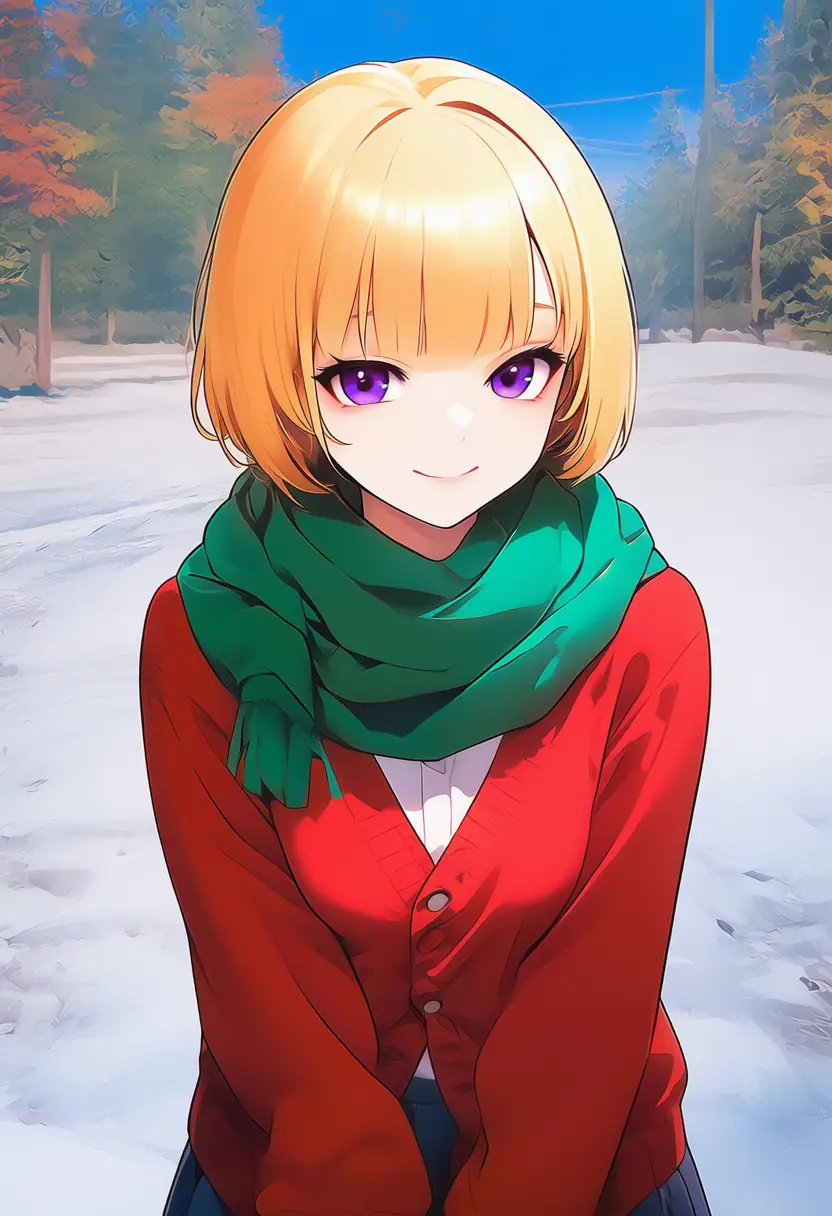 V4.5 Curated with quality tags.
|
, no text, best quality, very aesthetic, absurdres at the end of the prompts for the V4 Full model.
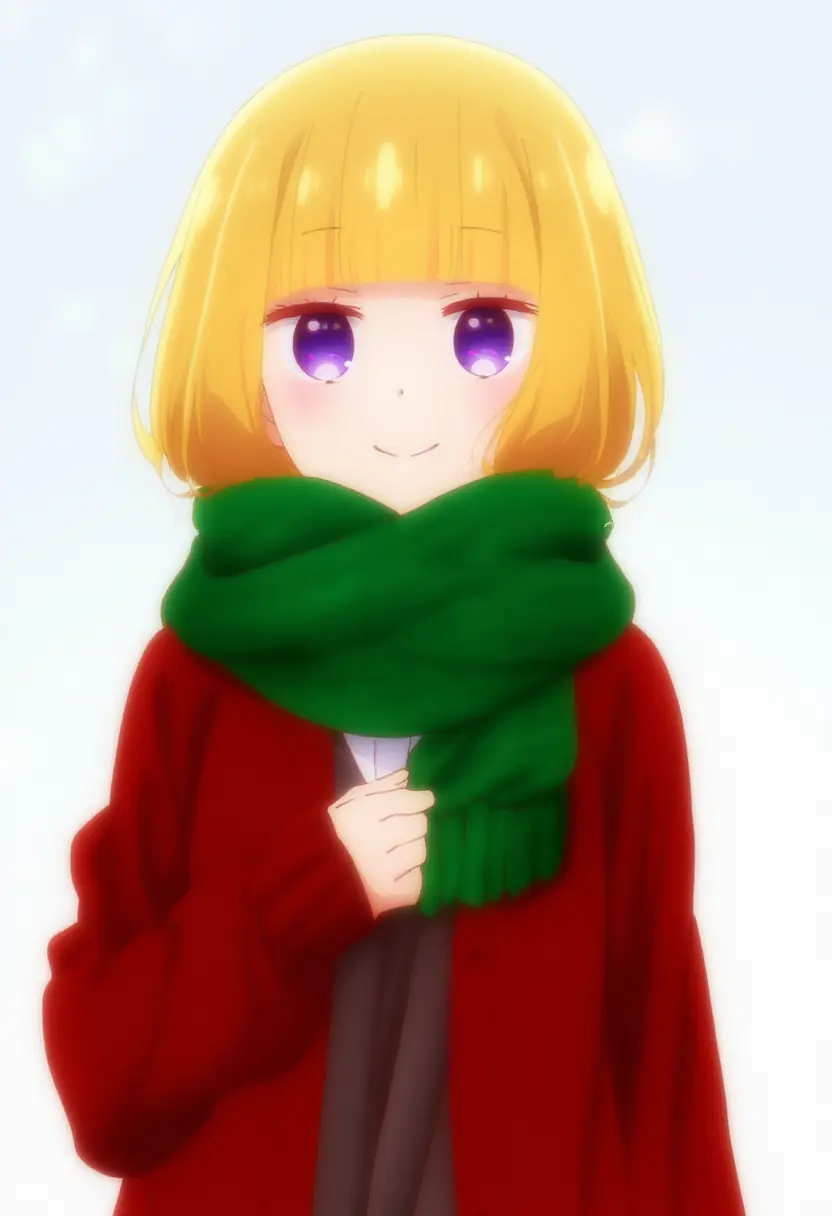 V4 Full without quality tags.
|
 V4 Full with quality tags.
|
, rating:general, amazing quality, very aesthetic, absurdres at the end of the prompts for the V4 Curated model.
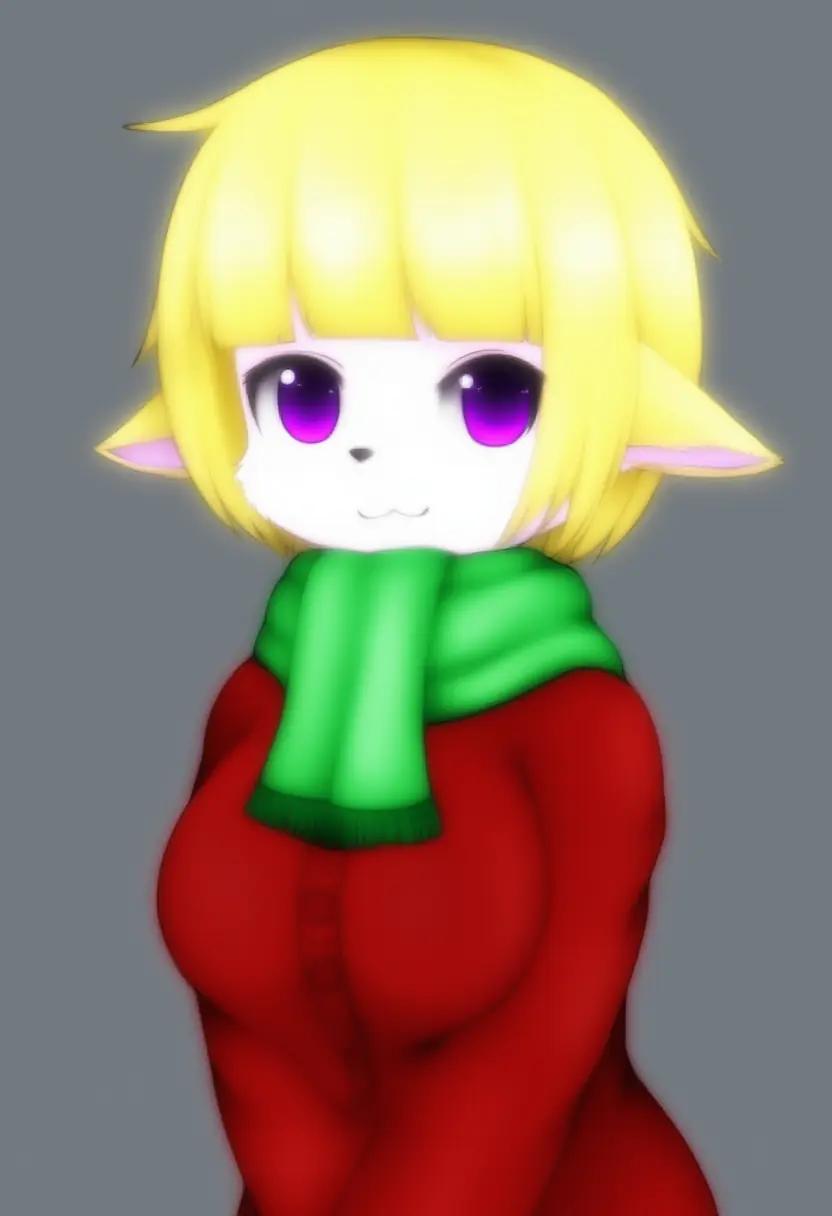 V4 Curated without quality tags.
|
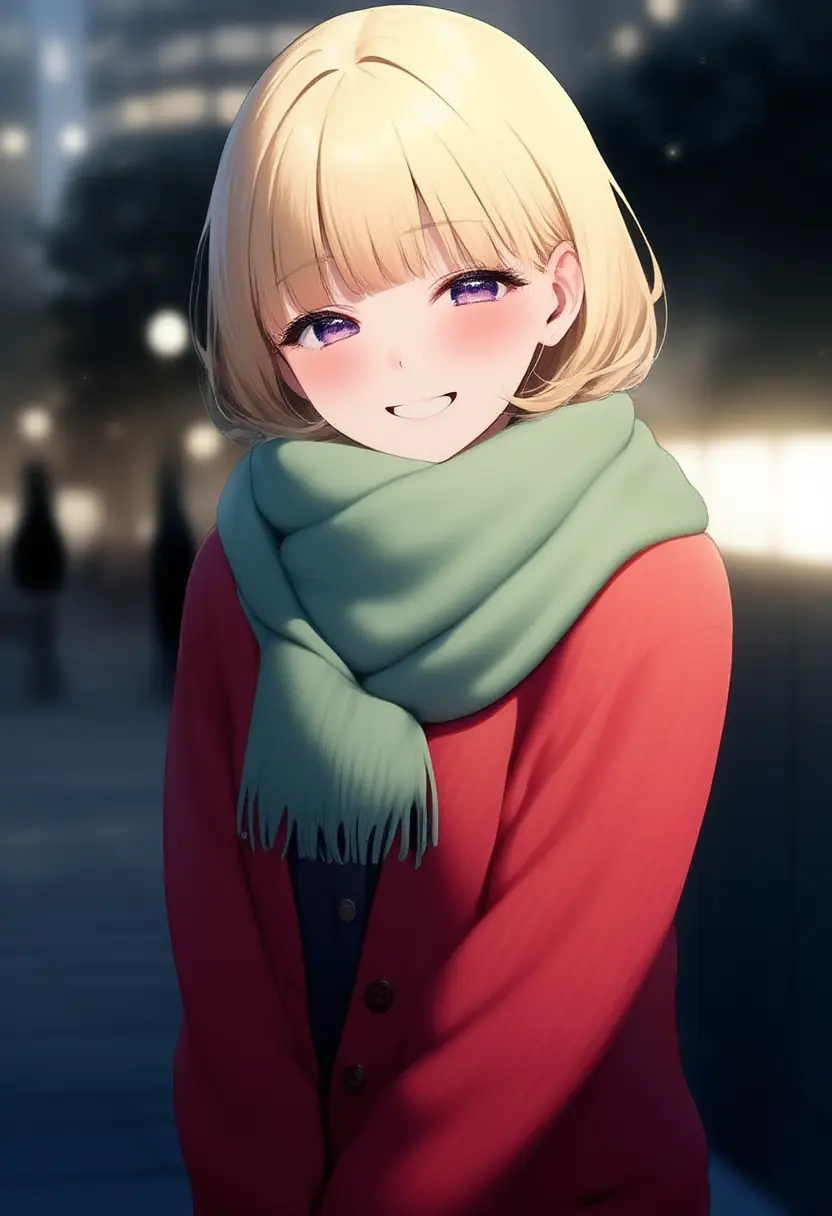 V4 Curated with quality tags.
|
, best quality, amazing quality, very aesthetic, absurdres at the end of the prompts for the Anime V3 model.
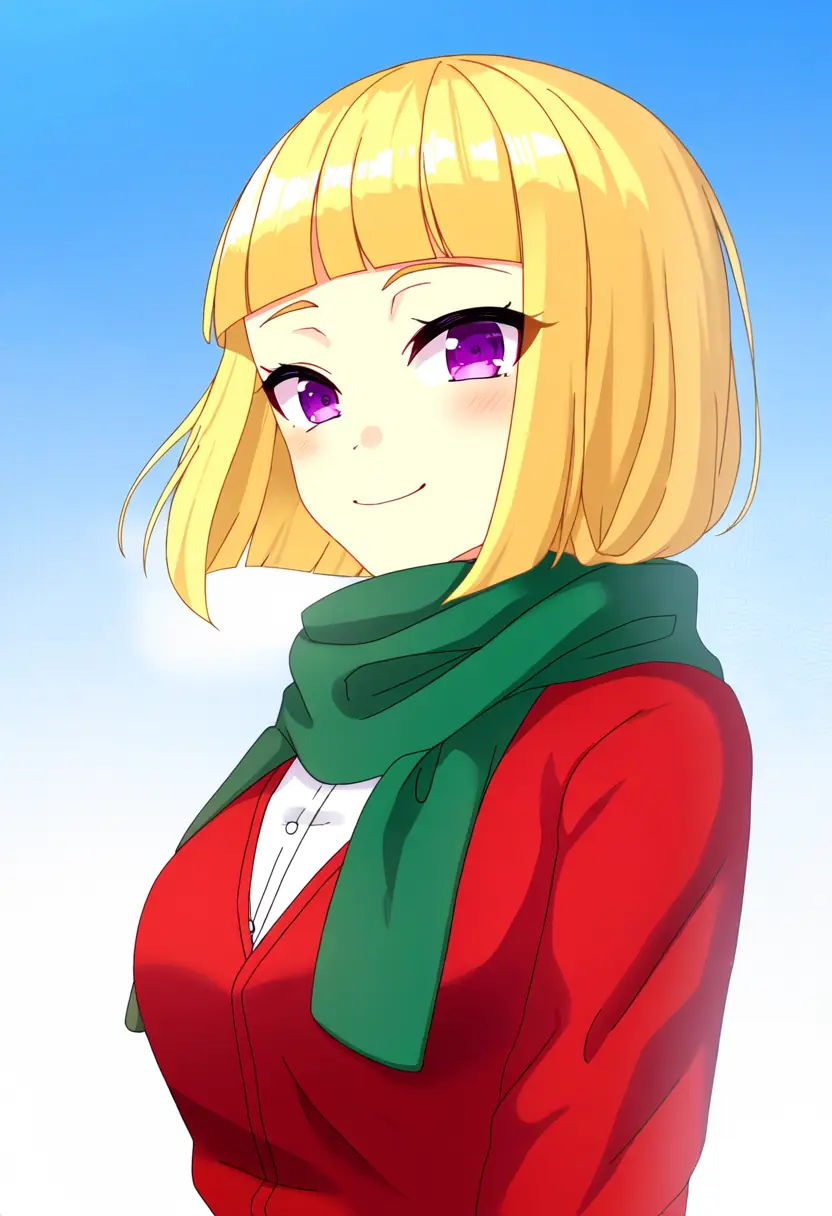 Anime V3 without quality tags.
|
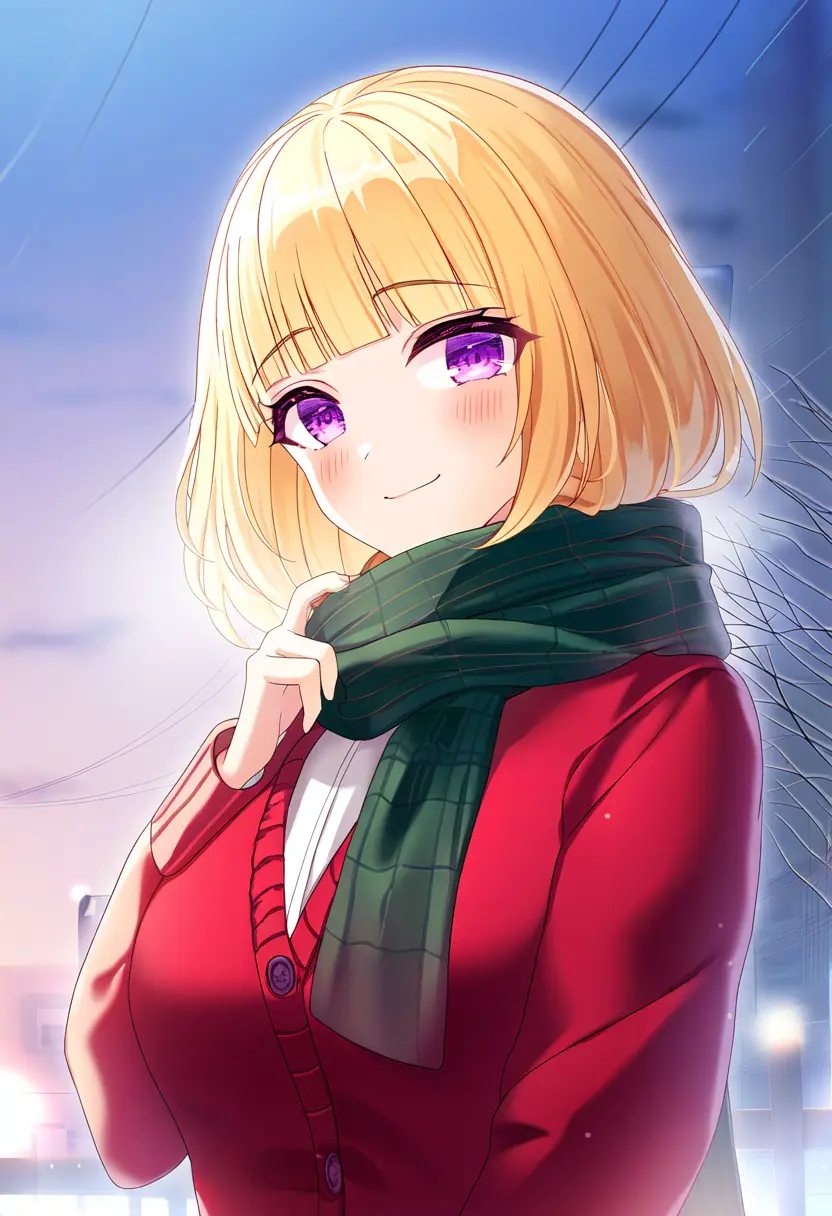 Anime V3 with quality tags.
|
, {best quality}, {amazing quality} at the end of the prompts for the Furry V3 model.
 Furry V3 without quality tags.
|
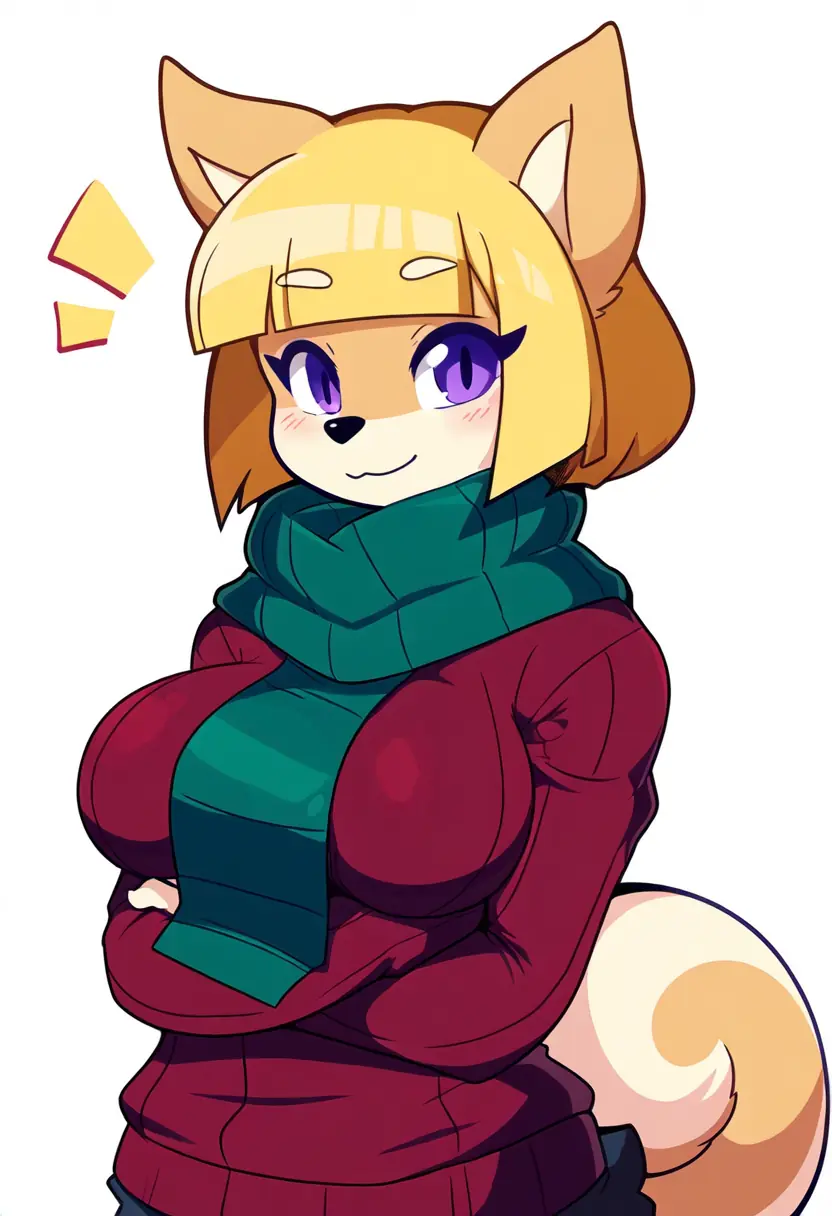 Furry V3 with quality tags.
|
very aesthetic, best quality, absurdres at the start of the prompts for the Anime V2 model.
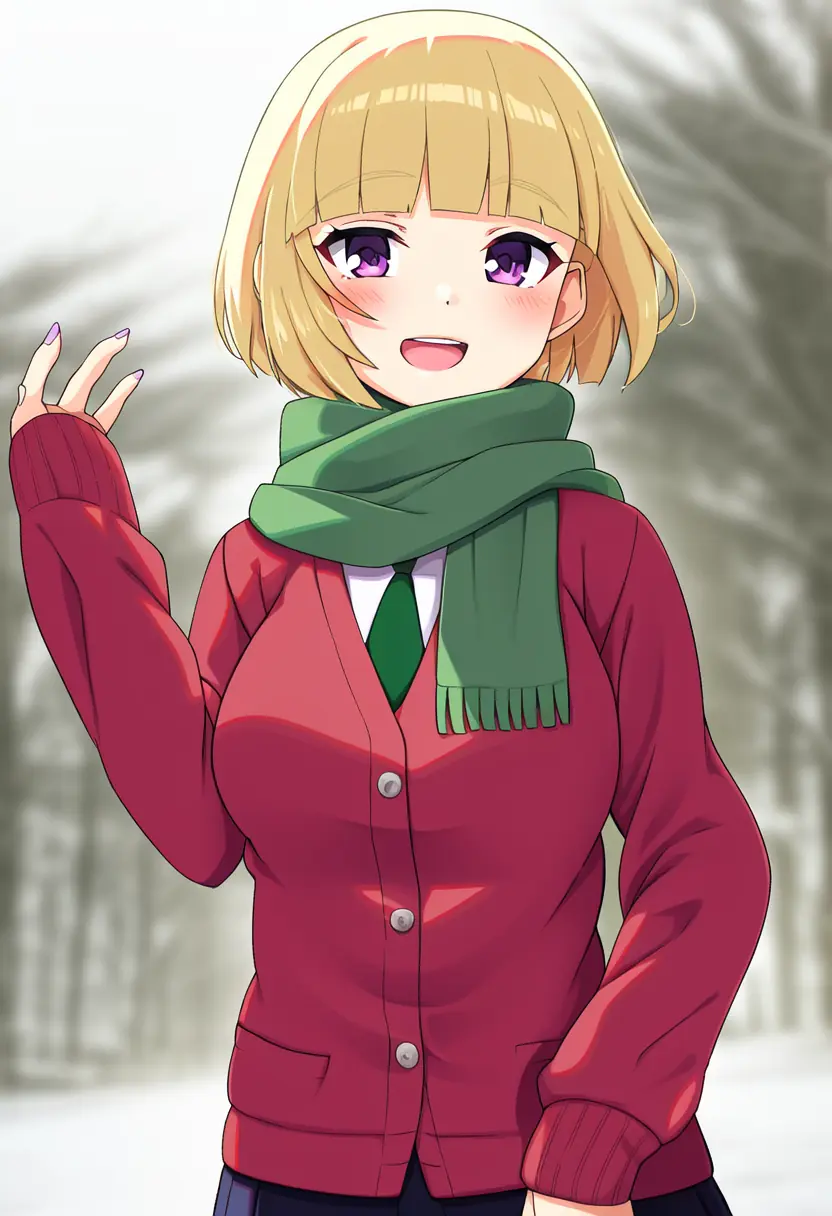 Anime V2 with quality tags.
|
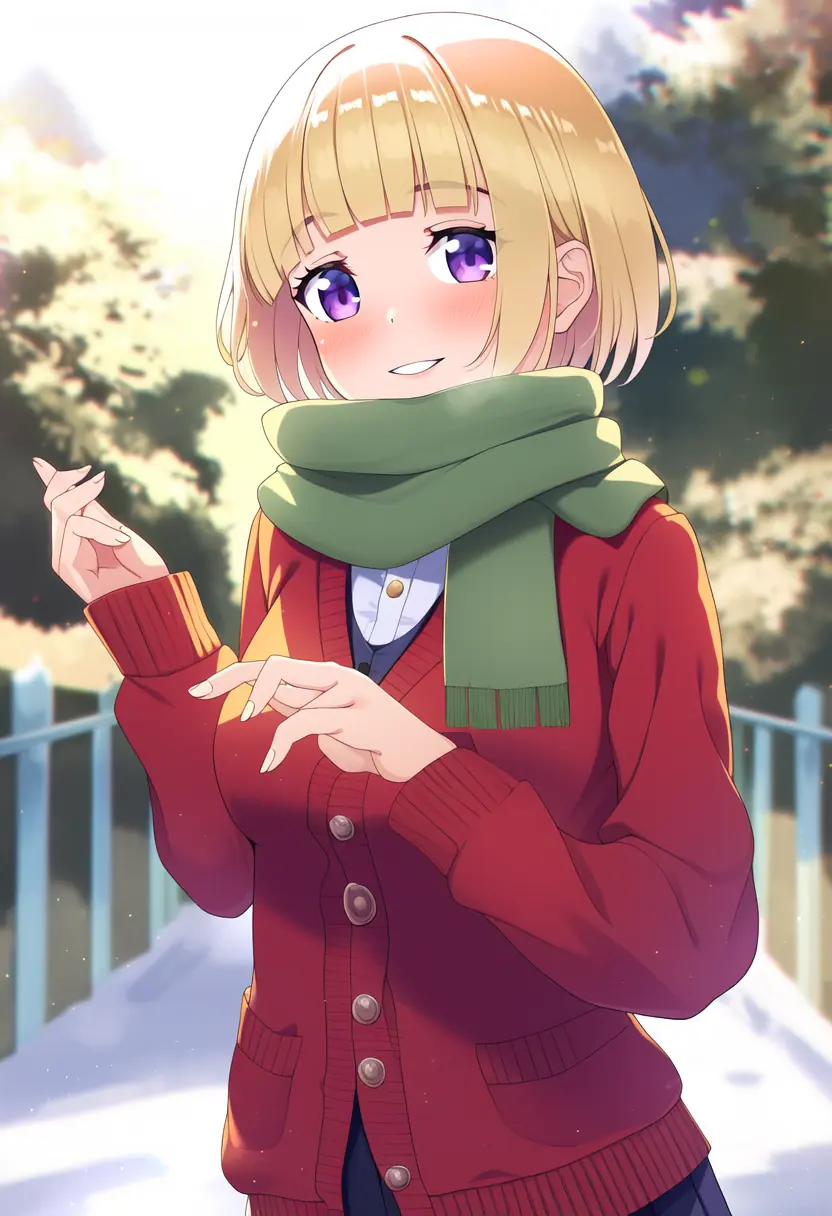 Anime V2 with quality tags.
|
masterpiece, best quality, at the start of the prompts for the Anime V1 Curated/Full and Furry V1.3 models.
 Anime V1 without quality tags.
|
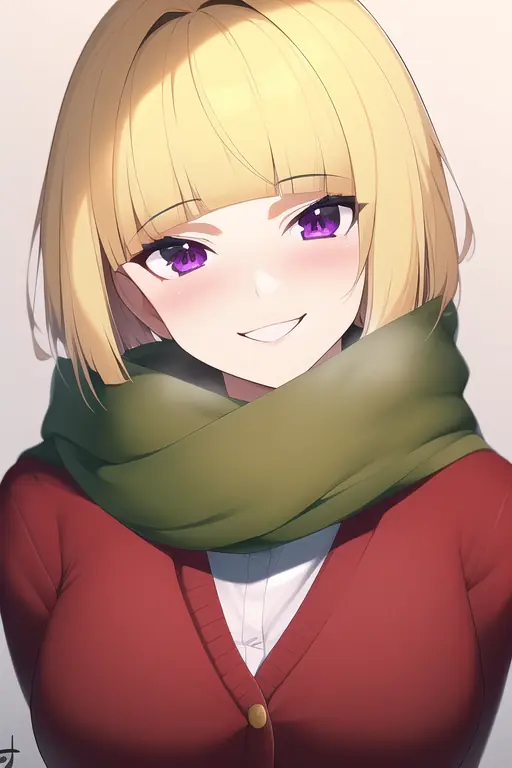 Anime V1 with quality tags.
|
 Furry V1 without quality tags.
|
 Furry V1 with quality tags.
|
The Anime and Furry V3 models use the tags at the end of the prompt due to how the tag order affects the generations when using this model. More on that on the Tagging page.
Goose Tip: Keep in mind that this setting may bias the AI towards generating pictures of anime characters, so try turning the toggle on and off as you see fit!